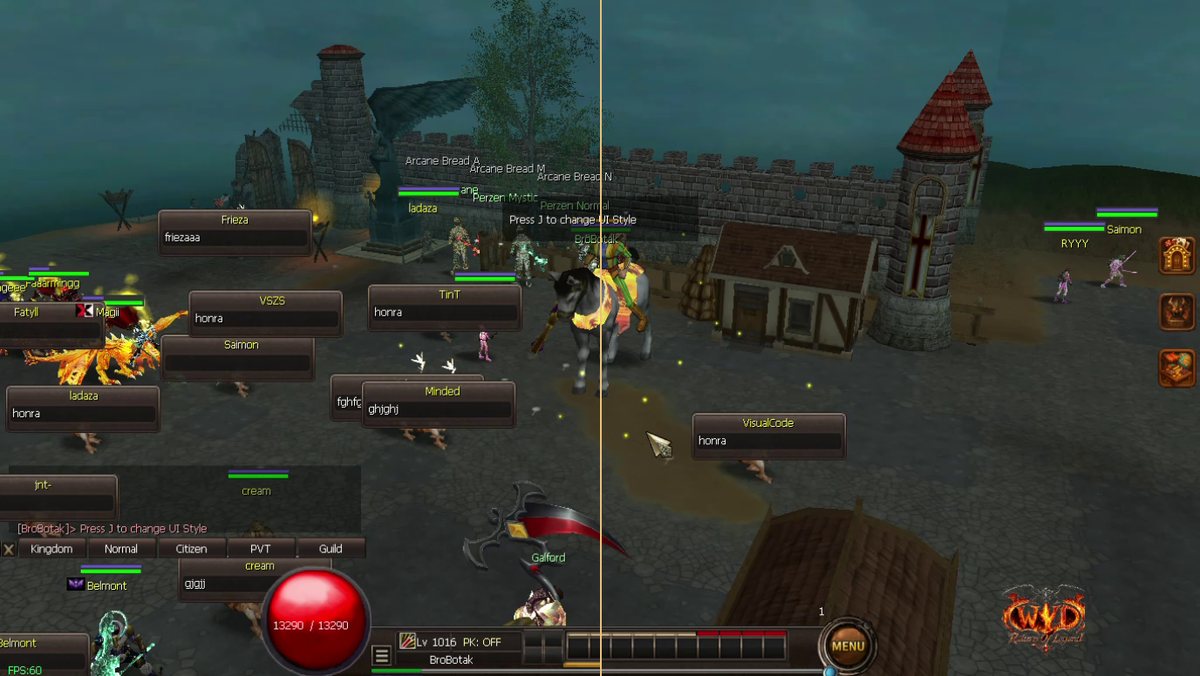
You can now pick your screen style in game.
Press J
Press J to switch between the Orb style and the Classic style. Press J again to go back. Your skills, items and hotkeys stay the same.

- Orb style: big HP and MP orbs at the bottom.
- Classic style: your picture with HP and MP bars at the top left.
Full guide with pictures: https://wydlor2.xyz/guides.php?id=49