
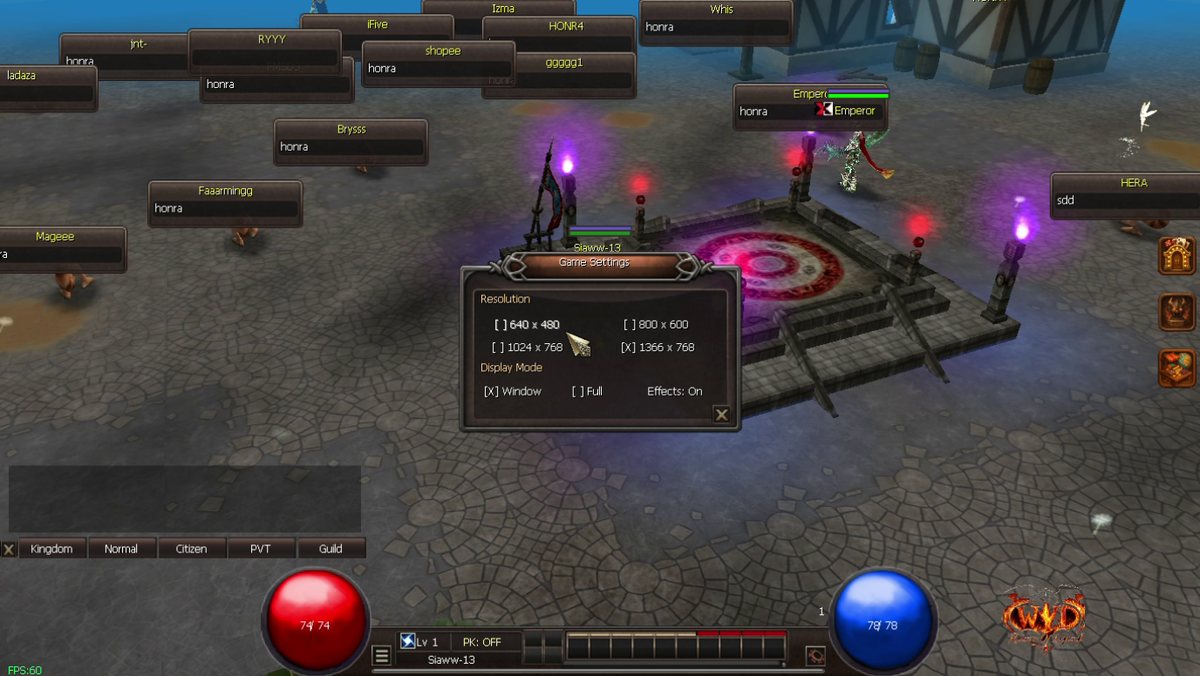
New in game: a Settings window.
How to use it
- Press ESC, then click Settings.
- Change the game window size: 640 x 480, 800 x 600, 1024 x 768 or 1366 x 768.
- Pick Window or Full screen.
- Turn effects On or Off. Off gives more FPS on a slow computer or in a crowded town.
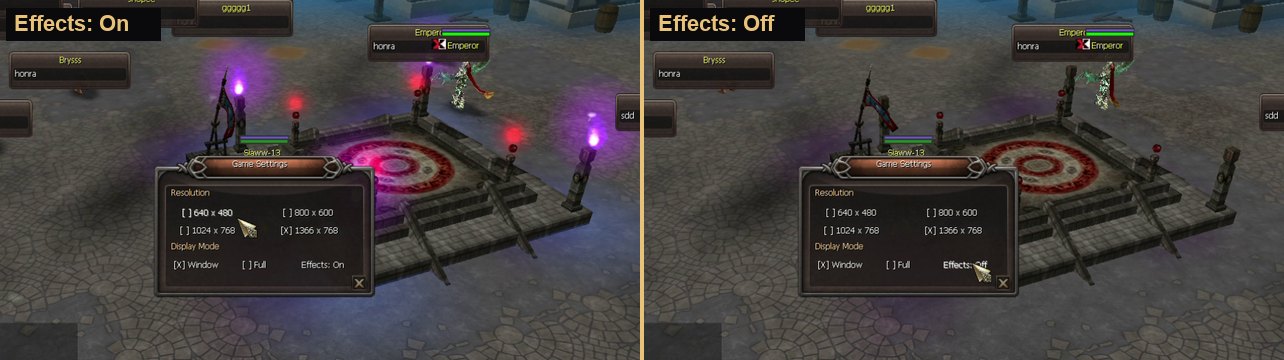
Full guide with pictures: https://wydlor2.xyz/guides.php?id=51