
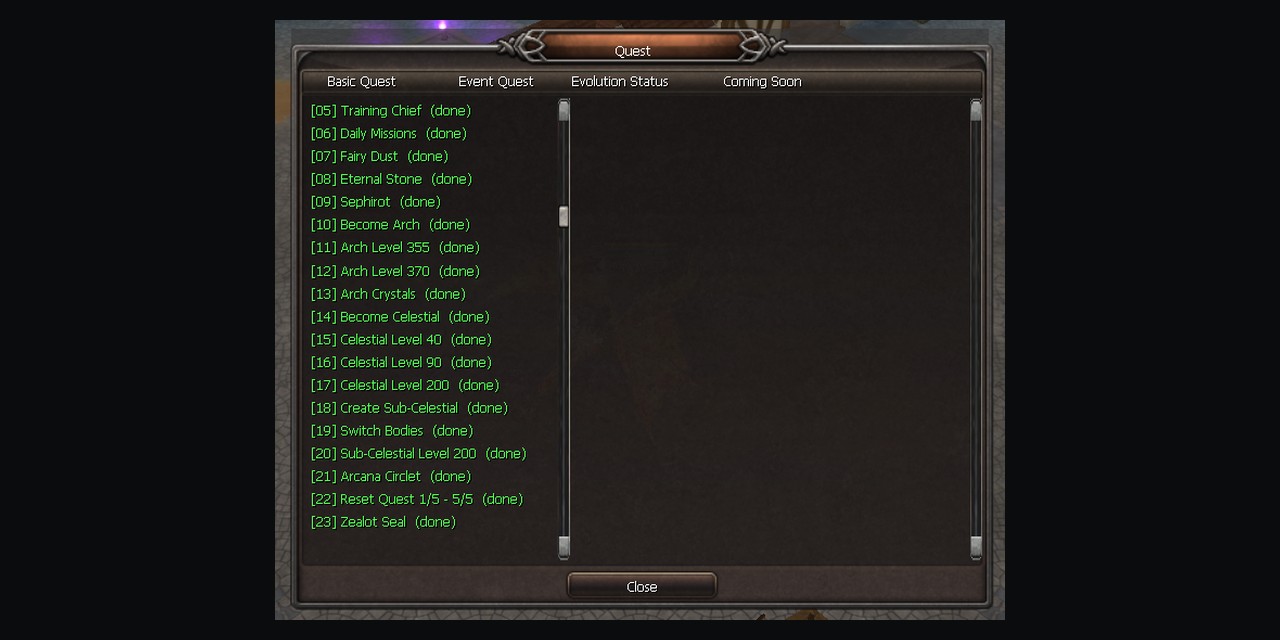
Where to find it
Press X in the game, or click the blinking button when the chat says "Quest Arrivals". Open the Basic Quest tab.
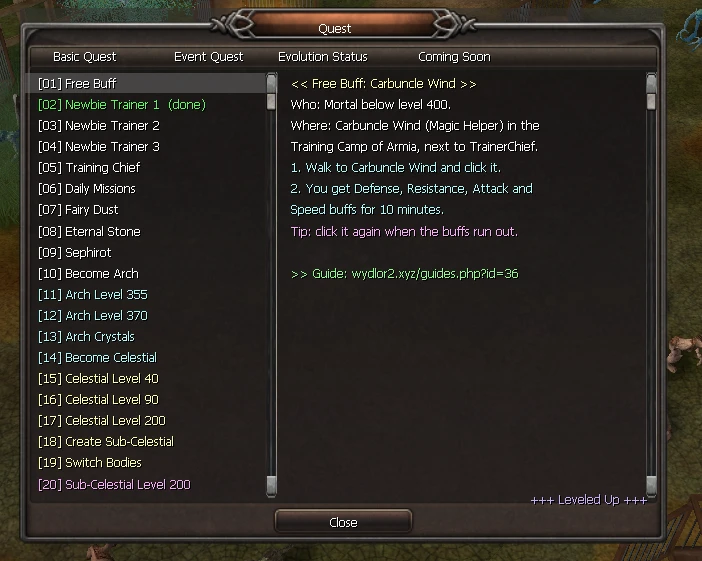
The road
The list has 23 steps in the order you play them. The color tells you the class:
- White: Mortal (steps 1 to 10)
- Blue: Arch (steps 11 to 14)
- Yellow: Celestial (steps 15 to 19)
- Pink: Sub-Celestial (steps 20 to 23)
Steps you finished turn green
Every time you open the window, the game checks your character. A finished step turns green and shows (done). When you move up a class, the steps of the class before are all done.
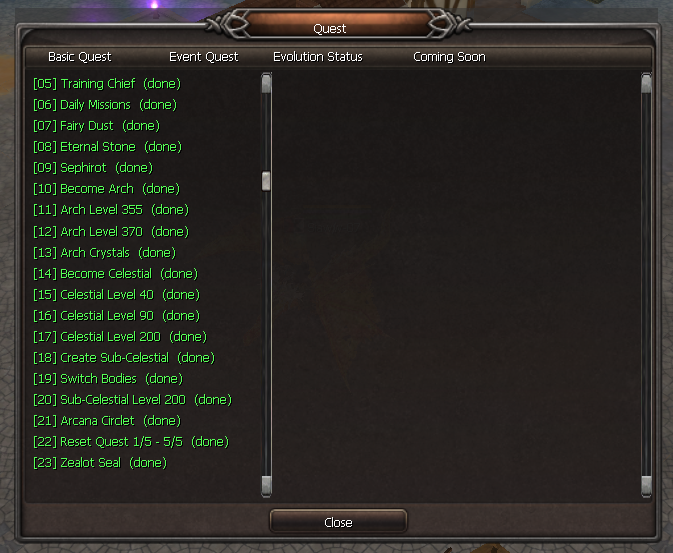
TipThe Reset Quest step shows how many you did, for example (3/5).
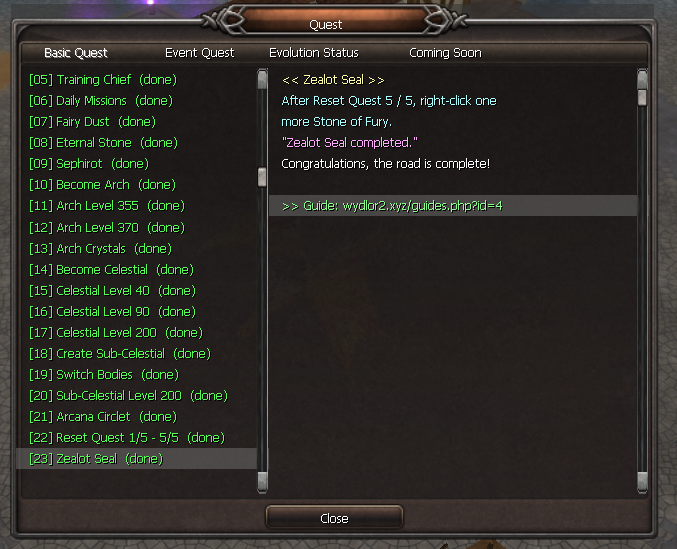
Open the full guide
At the bottom of each step there is a green line ">> Guide: wydlor2.xyz/guides.php?id=...". Click it and the website guide opens in your browser, with photos, clips and item pictures.
NoteFree Buff, Daily Missions and Fairy Dust are marked done when you become Arch, because the game does not save them on their own.