What it does

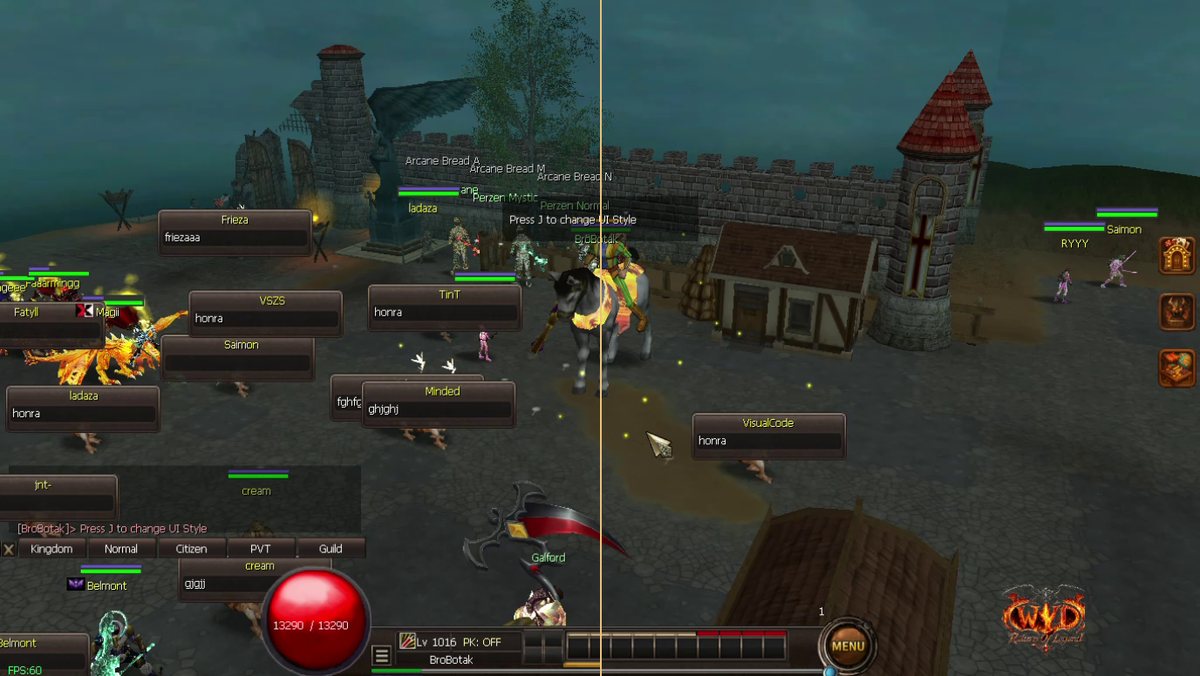
The game has two screen styles. Press J at any time to switch between them. Press J again to go back. Your skills, items and hotkeys stay the same.
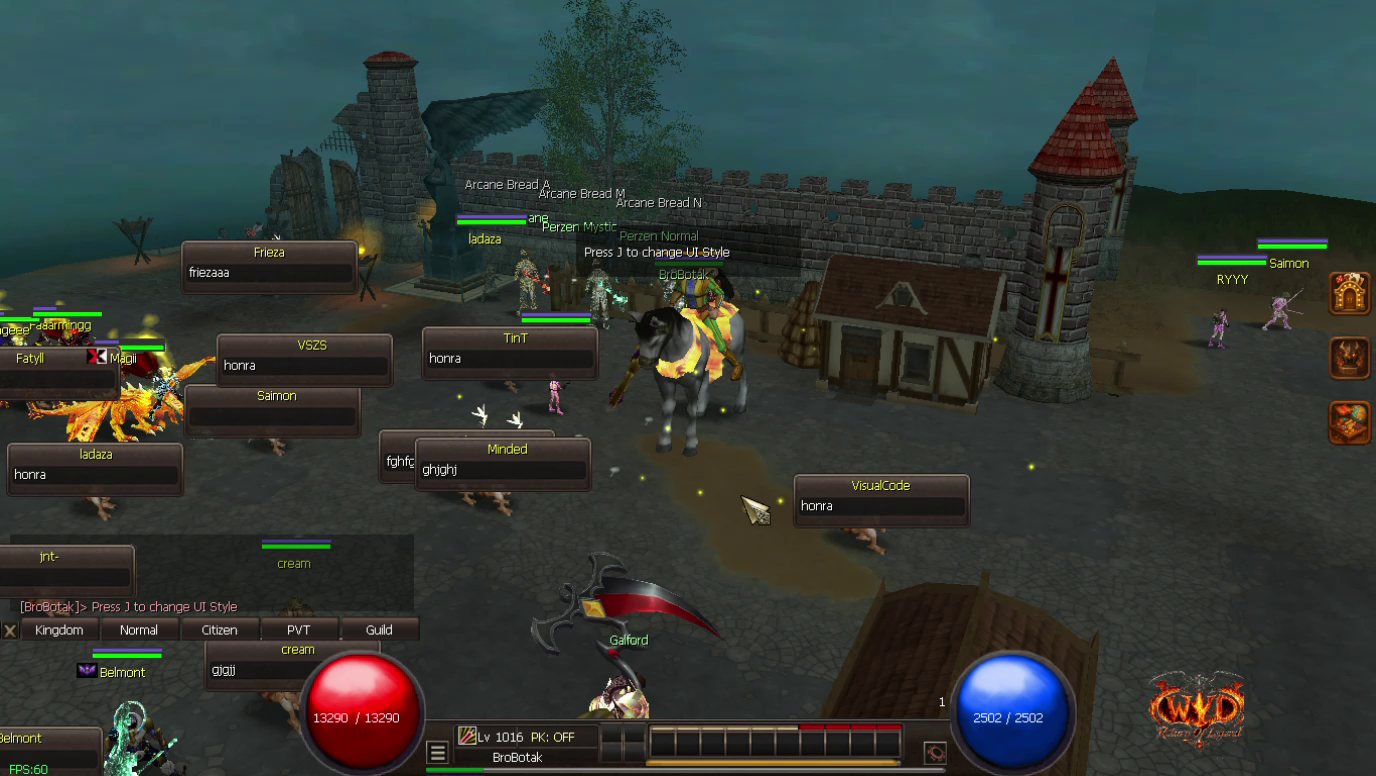
Orb style
- A big red HP orb and a blue MP orb at the bottom of the screen.
- Your level, PK mode and skill bar sit in the middle.
Classic style
- Your picture with HP and MP bars at the top left.
- Round C.C and MENU buttons at the bottom.
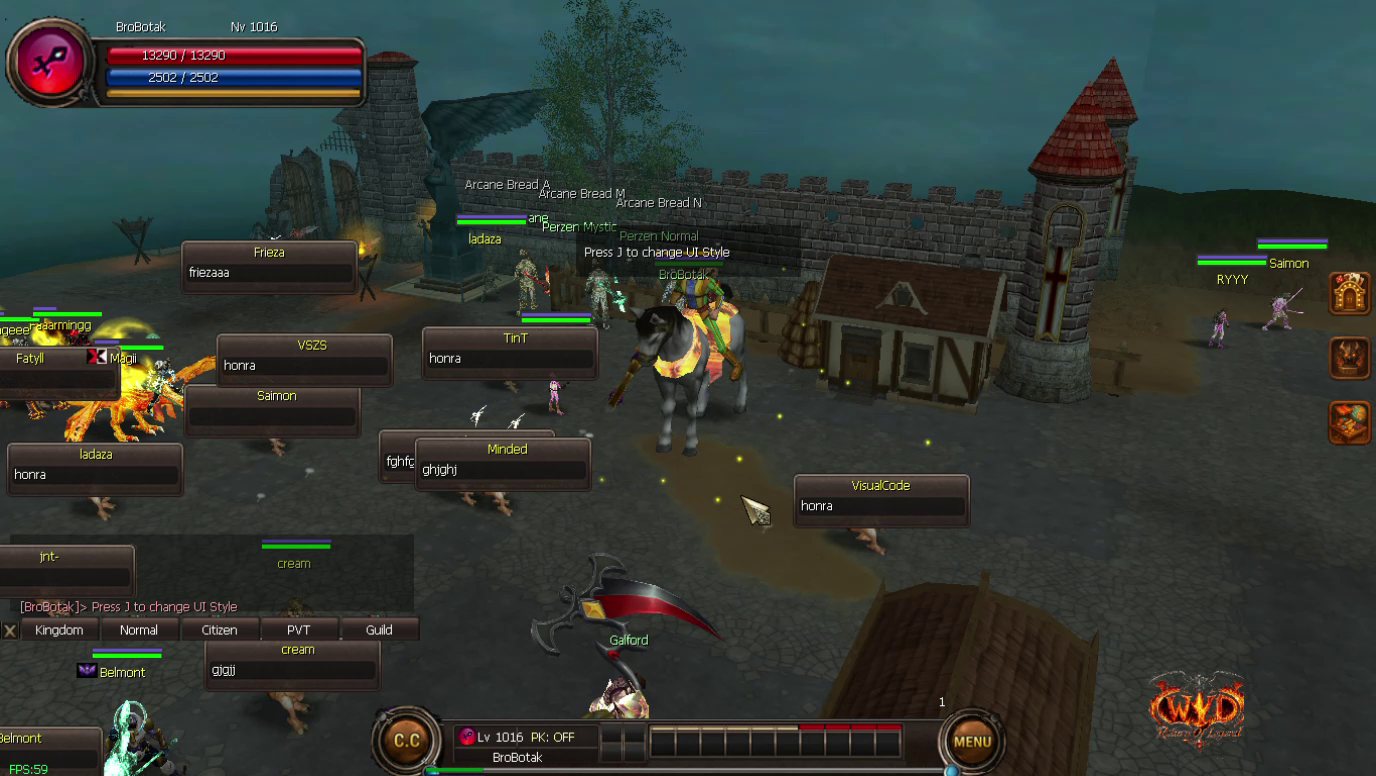
Switch with J
Press J. The screen changes right away. Press J again to switch back.