Getting started
Trading Market: sell items for Cash Coins
Put an item in the first bag slot, type /websell, then set a price on the website. Buyers pay with Cash Coins.
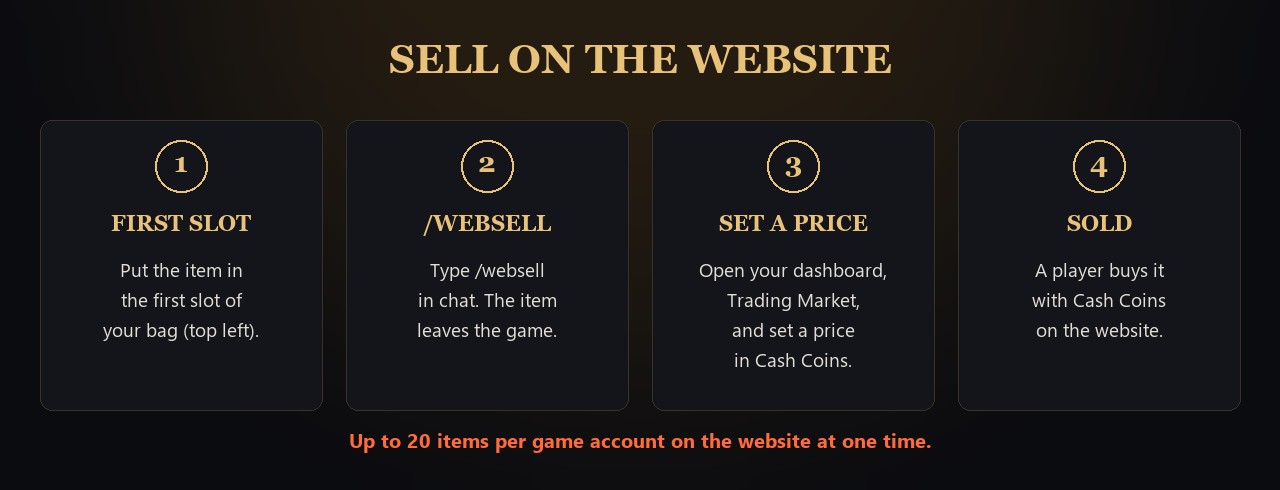
Sell an item
 From your bag to the website
- In game, put the item in the first slot of your bag (top left).
- Close any trade and your Personal Shop first.
- Type /websell in chat.
- The game says the item "is now on the website market". The item leaves your bag.
- On the website, open your dashboard, then Trading Market, and set a price in Cash Coins.
Buy an item
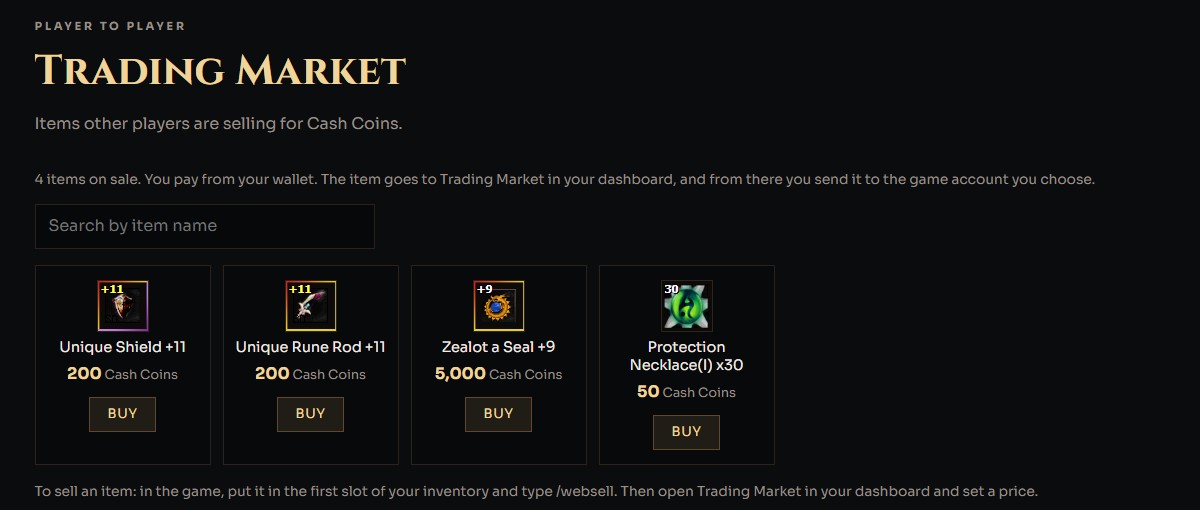 Trading Market on the website
- Open Trading Market in the website menu: https://wydlor2.xyz/marketplace.php
- Search by item name, then click Buy. You pay from your Cash Coins wallet.
- The item goes to Trading Market in your dashboard. From there, send it to the game account you choose.
Rules
- Up to 20 items per game account on the website at one time.
- Wait 3 seconds between two /websell.
- Mounts level 181 and higher, and items that cannot be traded, cannot go to the website.
- To make room, sell an item or take one back from your dashboard.